

Optimal 360CONSUM3D

CaptureDisc™ Basic

6" and 8.5" Photographic 3D Scanning Discs

For handheld or turntable 3D capture

A 3D scanner without the price tag.

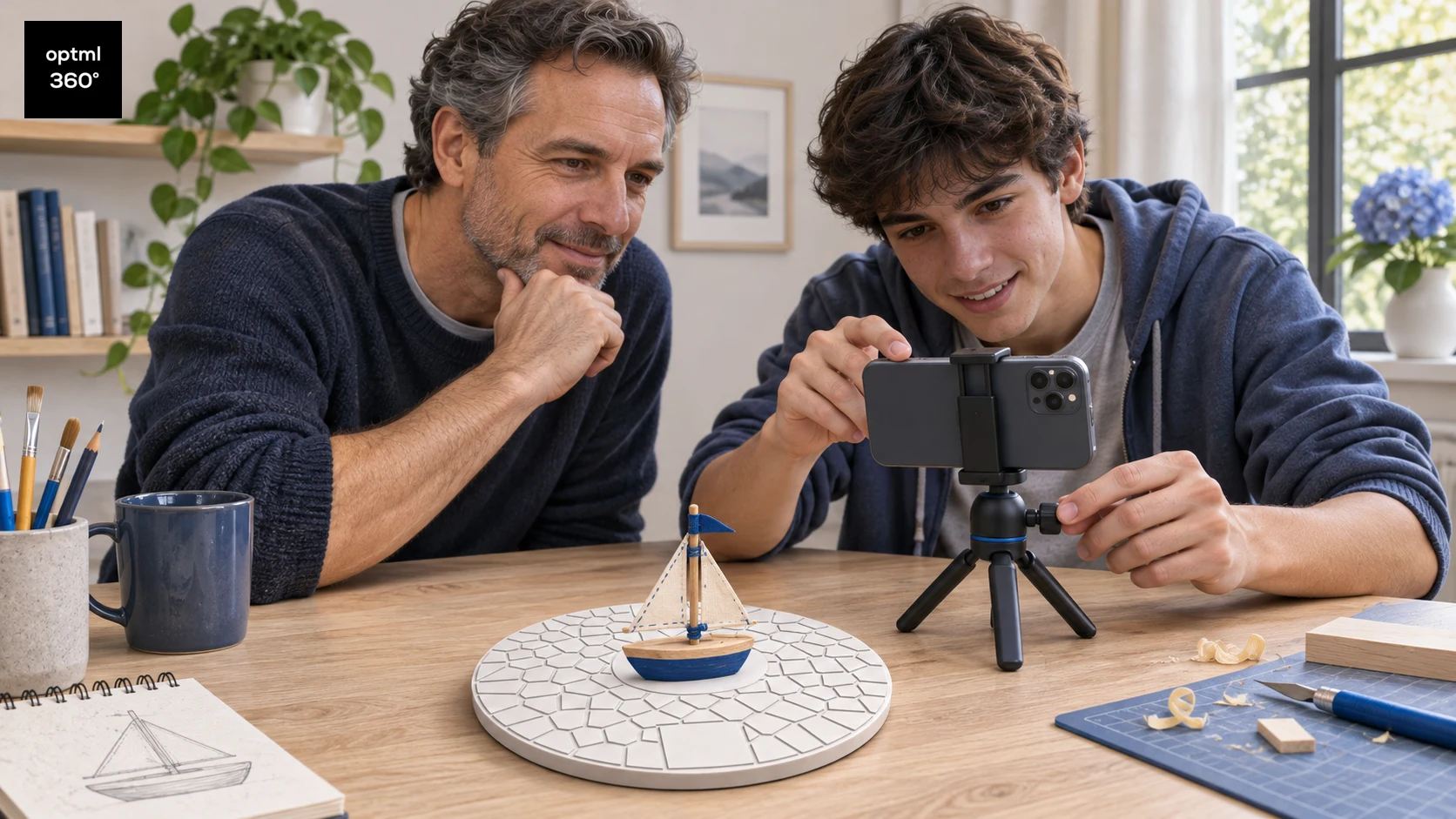
Create measurable 3D product scans and ecommerce-ready 360° views with the phone or camera you already own. Keep the disc in frame and the Optimal 360 capture app recognizes it automatically.

CaptureScale

Unlock real-world measurements and correctly scaled 3D results from day one.

CaptureMesh

Unlock downloadable mesh models suitable for 3D printing and further editing. Coming soon, in active development, and included with every CaptureDisc™.

CaptureMatch

Unlock color-reference processing with a separate CaptureDisc™ color-reference add-on. Coming later.

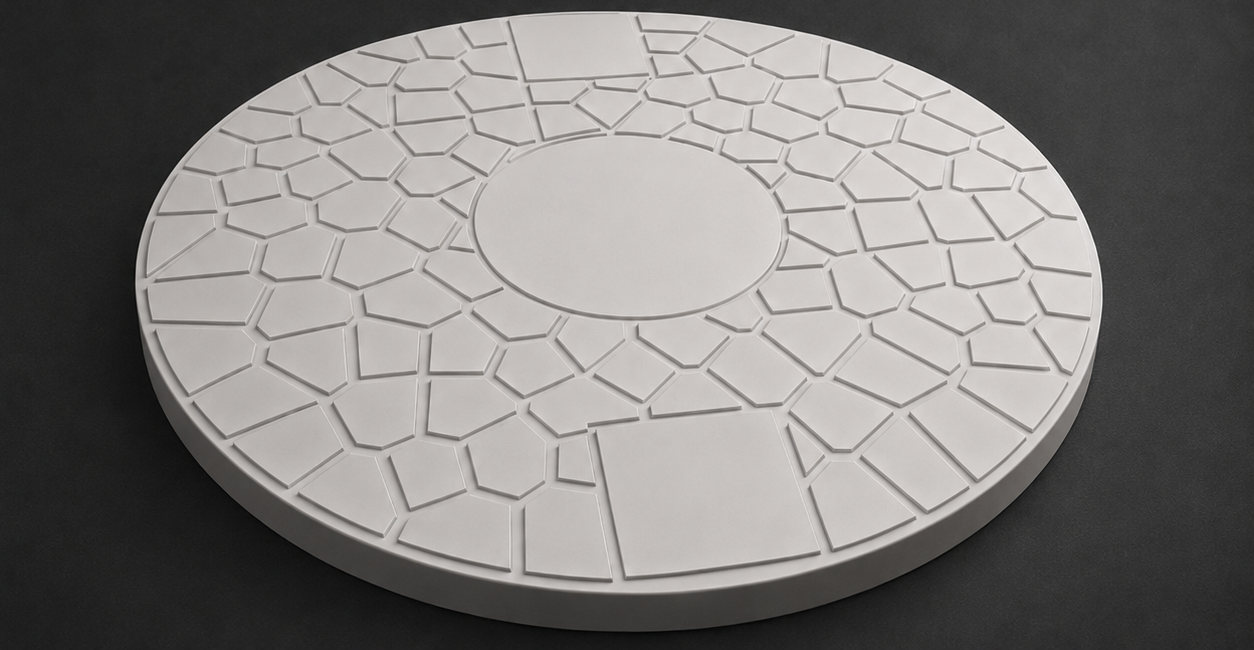
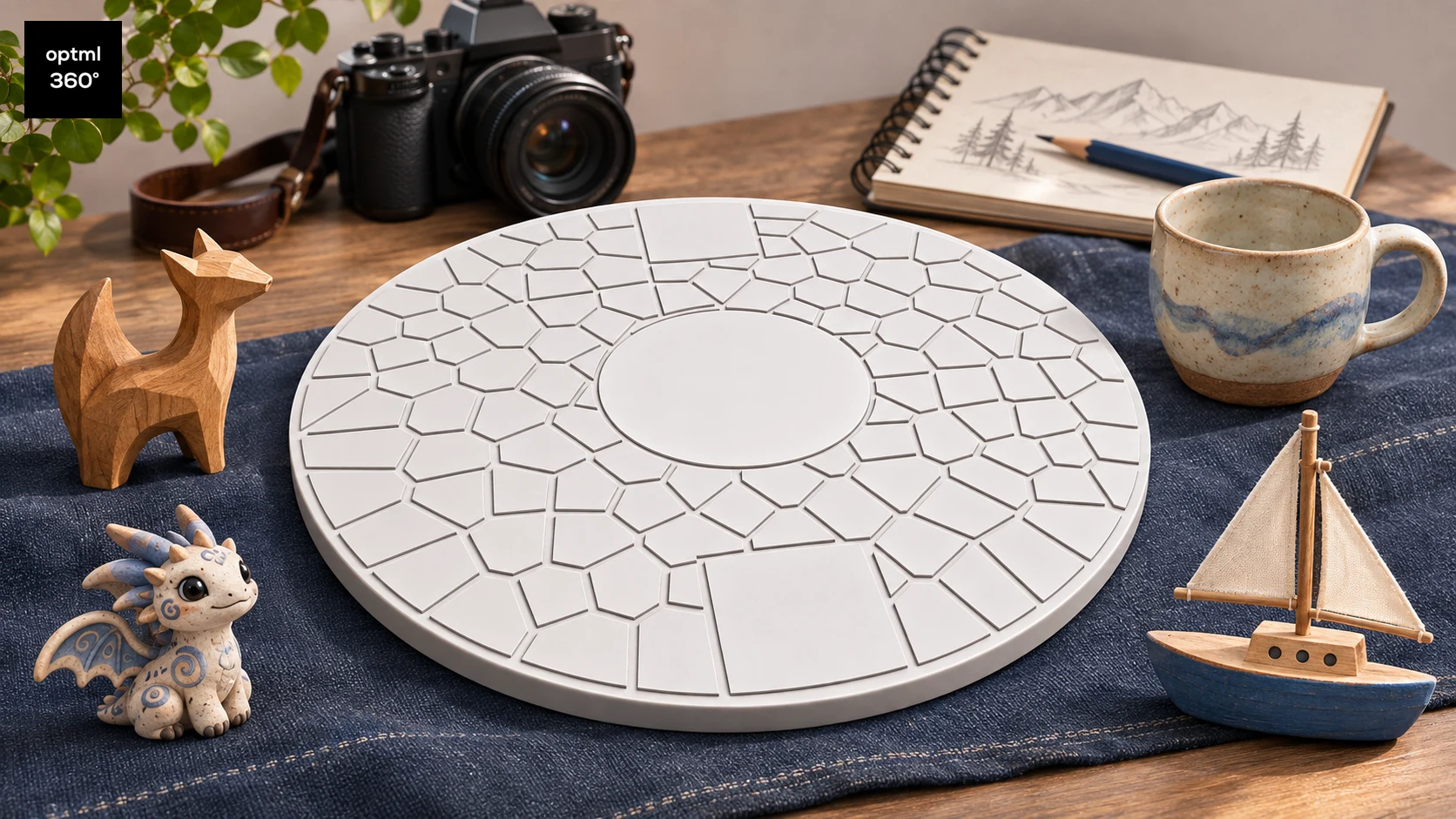
CaptureDisc™ Basic 6-inch white reference disc for 3D capture

A stronger capture reference

More reliable product capture, frame after frame

CaptureDisc™ Basic adds known size, geometry, and a trackable visual pattern beneath your object. Those references give Structure from Motion (SfM) stronger correspondences from frame to frame, improving tracking and reconstruction across many kinds of products.

For ecommerce

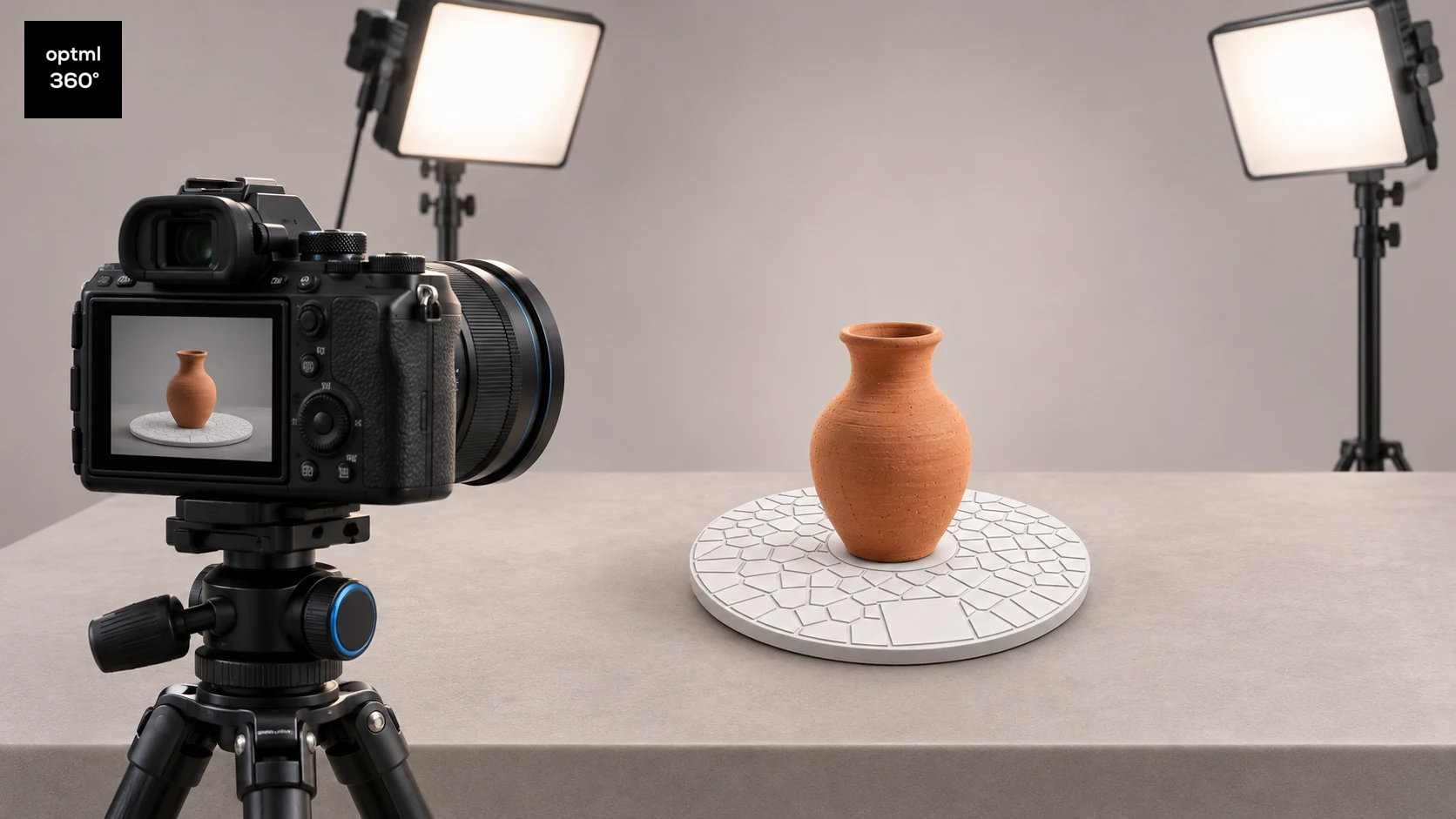
For photo 3D scanning on a studio turntable, the product and disc rotate as one trackable subject. That helps Optimal 360 create more reliable 360° product photos and 3D results for catalogs, product pages, and immersive shopping experiences. Use Auto Studio for a guided workflow, or switch to Pro Manual for direct control in the app.

For scanning and 3D printing

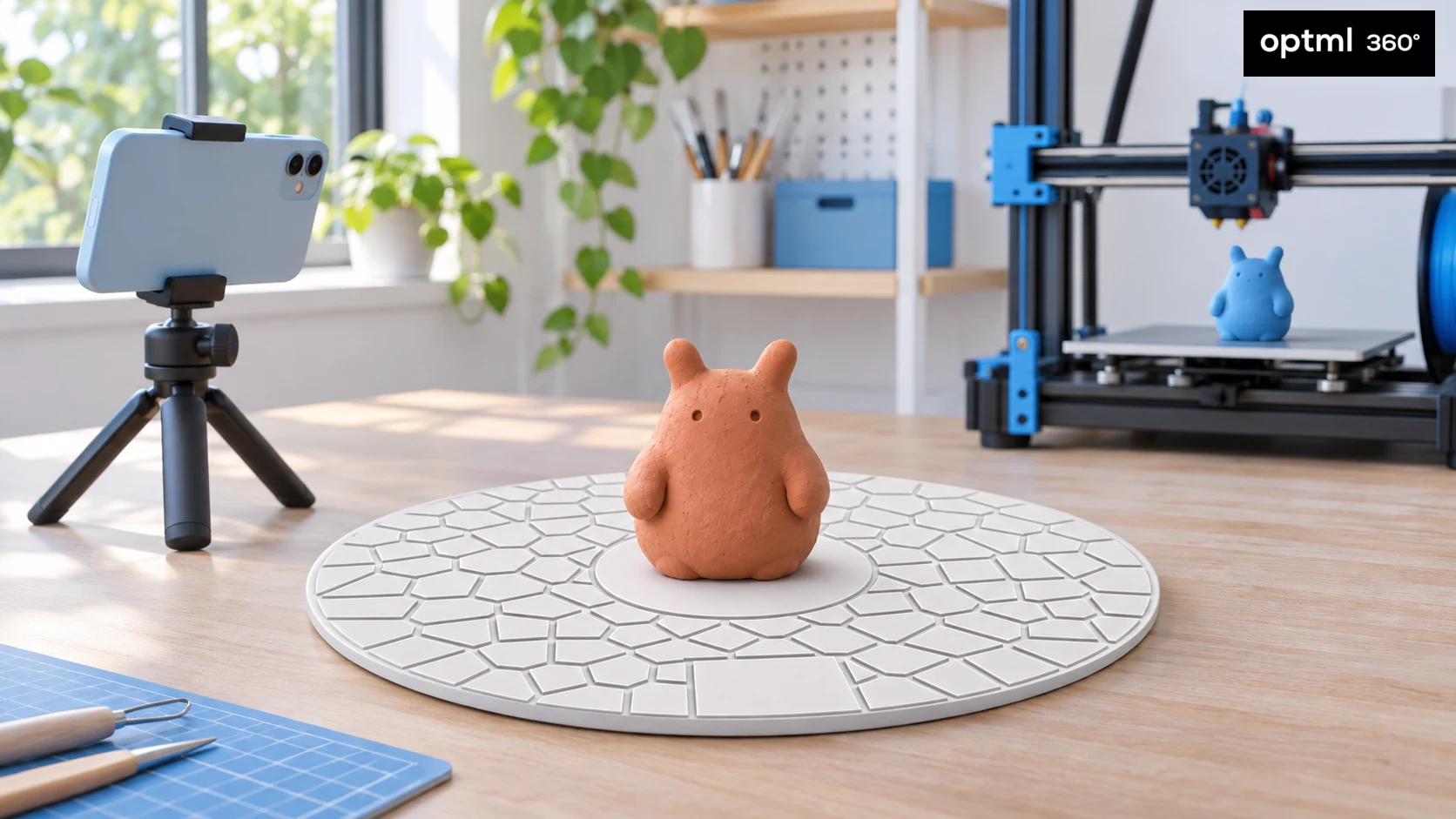
Start with a compatible phone or camera instead of buying expensive dedicated scanning hardware. CaptureScale View in Room lets you share a capture so someone can see it at real-world scale in their own space on a supported Android device or iPhone. CaptureMesh is planned to add export options later in 2026.

Optimal 360 recognizes CaptureDisc automatically and unlocks enhanced CaptureDisc processing plus CaptureScale View in Room. Share a capture so someone can view it in their own space with augmented reality. CaptureScale View in Room is available on supported Android devices and iPhones, with iPhone support rolling out.

Use it with or without a turntable

CaptureDisc™ works with both common shooting styles. Choose the one that fits your object, space, and production workflow.

On a turntable

Capture a full rotation in about 30 seconds or longer while the camera stays steady and the object and disc rotate together. A solid-color studio background and soft, diffuse lighting help produce sharp, well-ordered frames for SfM, photogrammetry, and 3DGS software.

Read the studio turntable guide

Without a turntable

Leave the object and disc in place, then move smoothly around them with your camera. The disc provides the same reference without adding more equipment or requiring a specific background. Without a studio turntable, you also have more freedom to use artistic lighting effects, including natural sunlight.

Captured with CaptureDisc™ Basic

CaptureDisc™ in action

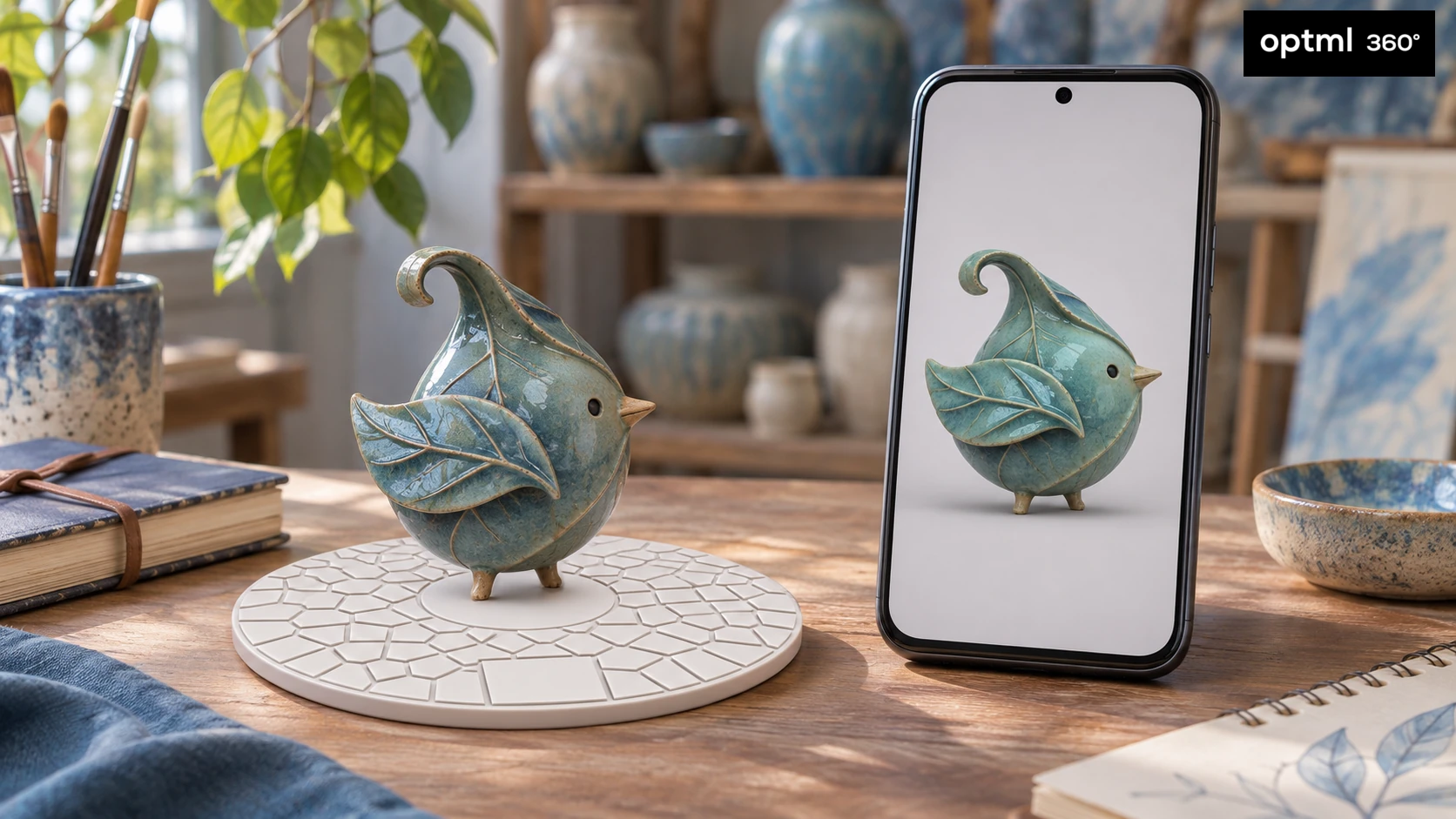
This interactive bird figurine was recorded with CaptureDisc™ Basic and the Optimal 360 app.

Shoot normally

Put the object on the disc and record a 3D photo scanning sequence with or without a turntable. No specific background is required; for studio turntable capture, use a solid-color background, soft diffuse lighting, and a rotation of at least 30 seconds.

Recognition is automatic

Optimal 360 detects CaptureDisc™ in the footage and applies the enhanced processing path—no manual switch or code is needed.

Use the result

CaptureScale View in Room is available on supported Android devices and iPhones, with iPhone support rolling out.

Choose the right capture tool

CaptureDisc™ vs. a 3DGS Scanner Device

CompareCaptureDisc™ BasicCreality PIKA
Hardware

Durable passive disc

Dedicated electronic scanner

Use your camera

Yes—your camera or device

No—PIKA required

Ecommerce 360°

Purpose-built workflow

Not purpose-built

Pro Color Workflow

Auto Studio • Pro Manual • CaptureMatch soon

Reference matching not advertised

SfM tracking

Added visual anchors

Different scan method

View in Room AR

Supported Android devices and iPhones

Check current AR support

3DGS capture

Available now

Coming soon

Printable meshes

CaptureMesh—coming soon

Available now

Single objects

Purpose-built

Supported

Environments

Not room-scale

Not room-scale

Price

$14.99 + scan pack*

$699 list

Creator plan

~$9/mo • 10 scans • 4K*

None advertised

*The $14.99 introductory price includes an official-store scan-pack activation code. Code redemption is coming soon. Ongoing Creator processing is approximately $9/month with annual billing and includes 10 scans per month at 4K quality. †PIKA's “up to 0.03 mm” accuracy is Creality's laboratory-condition claim; actual results vary. PIKA information checked September 2026 using Creality's product page and US store.Creality and PIKA are trademarks of their respective owners. CaptureDisc™ and Optimal 360 are not affiliated with, sponsored by, or endorsed by Creality.

View in Room for Android and iPhone

Automatic CaptureDisc recognition unlocks enhanced processing and CaptureScale View in Room. Share a capture so someone can see it in their own space with augmented reality. CaptureScale View in Room is available on supported Android devices and iPhones, with iPhone support rolling out.

CaptureMesh and CaptureMatch

CaptureMesh exports are in active development and will be included with every CaptureDisc™ once they launch. CaptureMatch will follow with color-reference processing and will require a separate CaptureDisc™ color-reference add-on.

Official-store benefits are coming soon

CaptureDisc™ products ordered from the official store at consum3d.com include a scan-pack activation code. Redemption is coming soon, so the included pack lets you get started before moving to an ongoing plan.

Visit the official CONSUM3D store

See every angle

Select an image to view it larger.

Product details

Model
Optimal 360 x CONSUM3D CaptureDisc™ Basic
Release Date
September 28, 2026
Size
6 inch and 8.5 inch
Color
White
Background
No specific background required; a solid-color studio background and soft, diffuse lighting are recommended for turntable capture
Capture Styles
Handheld walk-around or turntable capture
Recommended Turntable Setup
Consumer motorized turntable; solid-color studio background; 30+ seconds per revolution
Compatible With
Optimal 360 (best experience). For studio turntable captures: Jawset PostShot, LichtFeld Studio, Agisoft Metashape, RealityCapture, RealityScan, and similar 3DGS, SfM, and photogrammetry software.
Features
CaptureScale View in Room AR on supported Android devices and iPhones; CaptureMesh and CaptureMatch planned for later in 2026
Use Cases
Small-object scanning, ecommerce 360° product photography, 3D printing workflows, Gaussian Splatting, and radiance-field reconstruction

The CaptureDisc™ system is patent pending.